
chessGM, our free chess app, is now on Google Play for Android phones and tablets. It is the same chessGM you can already open in a browser at chessgm.net, in an app you can keep on your home screen. This short post says what is in it, how to install it, what is free and what is limited, and what is not there yet.
What chessGM is
- Computer opponents from complete beginner to expert level, with different playing styles. After a game you can ask for a rematch or go straight to the review.
- Rated puzzles and an analysis board.
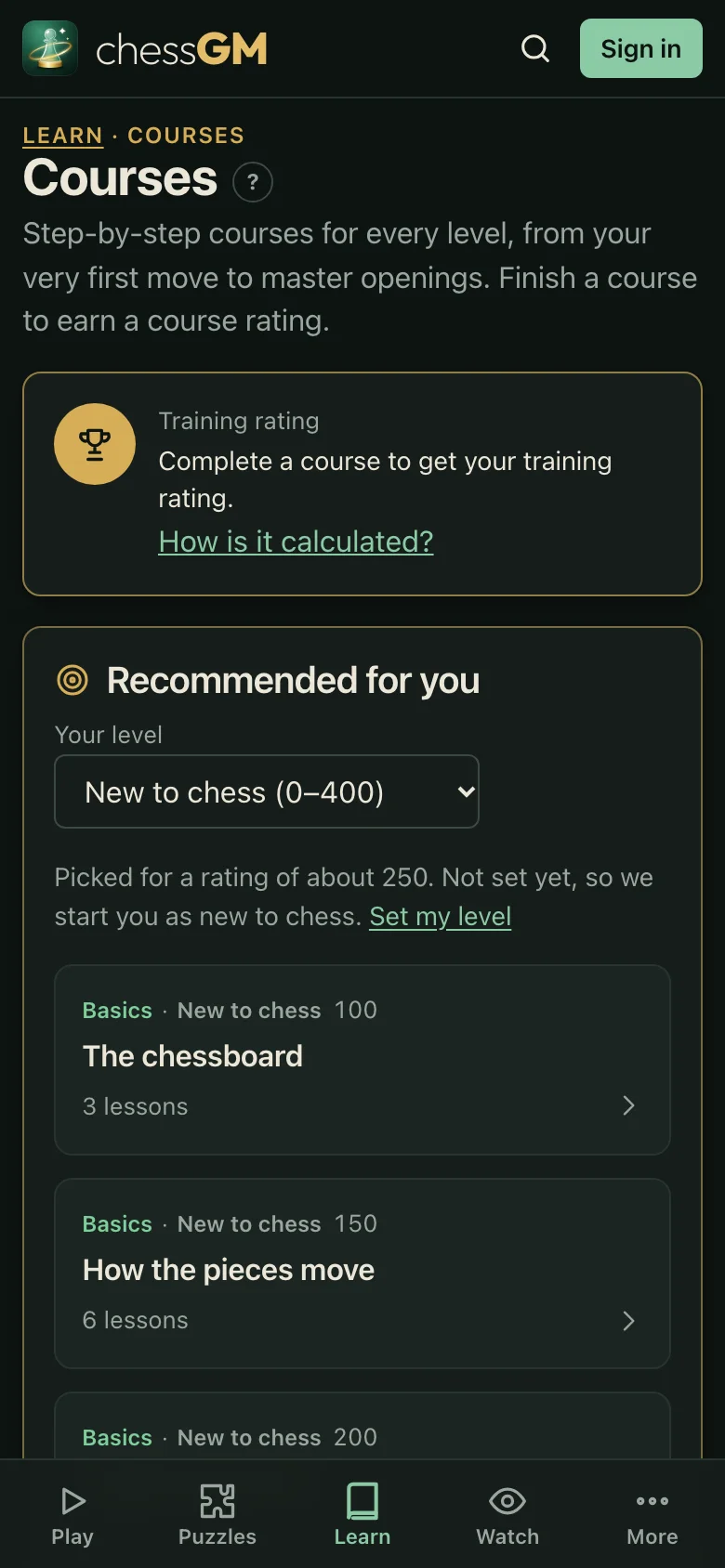
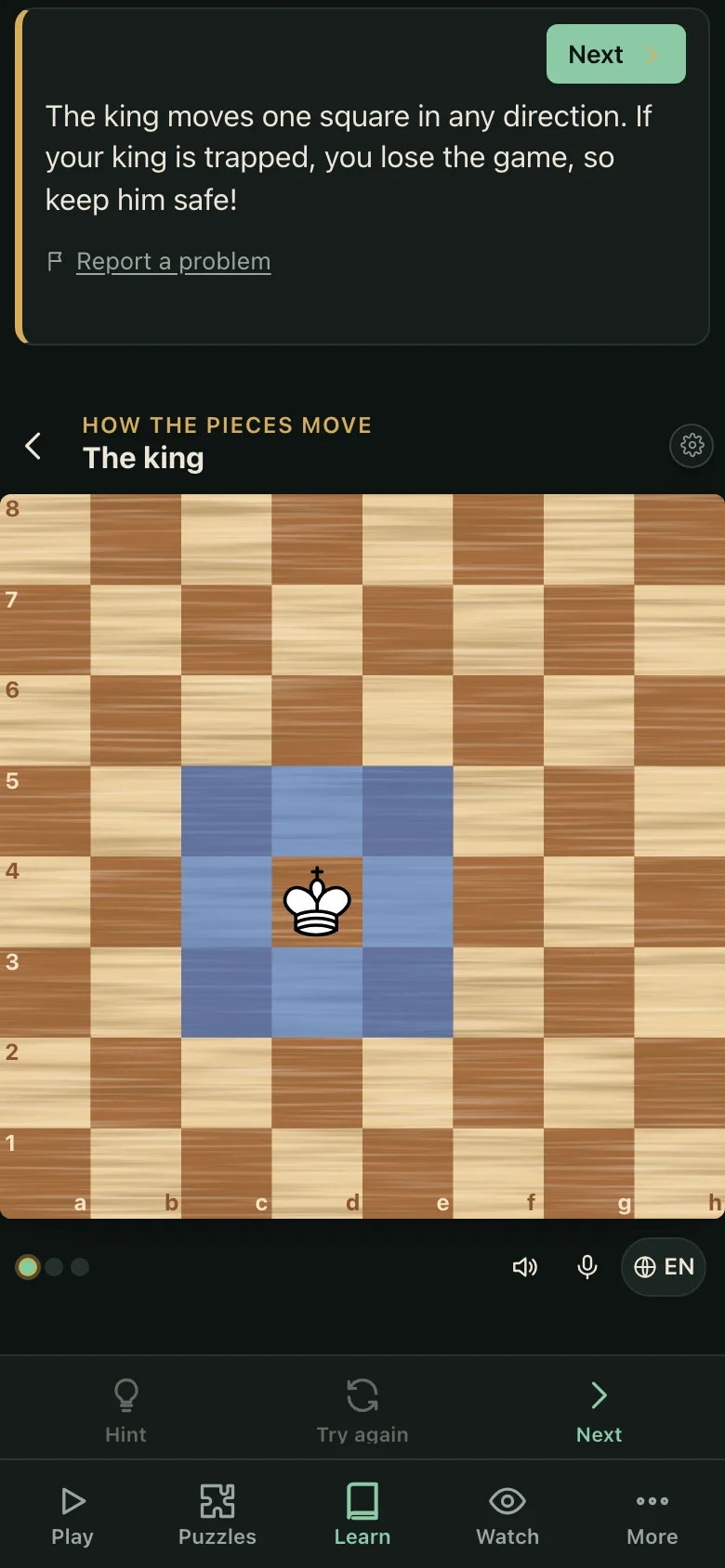
- 92 free courses, from the empty board to master openings, with a short explanation and exercises in every lesson (the catalogue count on 27 October 2026).
- Game Review: your finished games with the key moments marked and a comment on each.
- A spoken coach, in English, Bangla and Hindi.
- Free voice calls between players, and voice chat inside a live game with your opponent.
Voice calls and in-game voice chat are free. You can call a friend from the app or the web and their phone rings like a phone call, even when the app is closed. Calls need a signed-in account, and in Settings you choose who may call you: anyone, friends only, or nobody. The microphone permission is asked only when you start or accept a call, and no recording is stored. We do not promise perfect audio on every phone and network.
What is free, and what has limits
The app is free. You can play the bots, solve puzzles, take the courses, review your games and use the voice coach as a guest, with no sign-in. Signing in keeps your progress on every device and is needed for calls.
Ads exist: menu pages show a small ad card and ads never cover a board during a game. New players get a short ad-free start. A few extras have a daily limit: 10 hints, 3 deep reviews, 3 calls and 3 voice chats a day. You can extend a limit by watching a short ad, and nothing has to be bought.
How to install it
- On your Android phone, open the chessGM page on Google Play (the link is below).
- Tap Install, then Open.
- Start as a guest, or sign in to keep your progress.
You can also use chessGM without installing anything: open chessgm.net in any browser, and add it to your home screen from the browser menu if you like. The web app and the Android app are the same chessGM.
Offline
In Settings, Offline, you can save a pack of puzzles and the coach voices you like while you are on Wi-Fi. Without internet you can then play the bots, use coach mode, solve the saved puzzles, use the analysis board and hear the downloaded voices. Live games against people, calls, and deep reviews need the internet.
What is not there yet
The iPhone and iPad version is waiting for Apple’s review, so it is not on the App Store yet. Until then, iPhone users can use the web app in Safari. We will add the App Store link here when it is live.
We do not promise a rating or a time to reach one. Improvement depends on how often you play, review and practise, and the courses and bots are tools for that. The ratings inside chessGM are a training measure, not FIDE ratings.
Get it
Questions and corrections are welcome at info@22softwares.com.
Written from the live chessGM site, the chessGM guide and the app listing on 27 October 2026. The app features described are the ones live today; the training notes are general guidance, not coaching.