
UniMarket is a marketplace where many independent shops sell in one place. You can fill one cart with items from several shops, pay cash on delivery and follow every shop’s parcel separately. This guide walks through it from the first search to the delivered parcel.
Find what you want
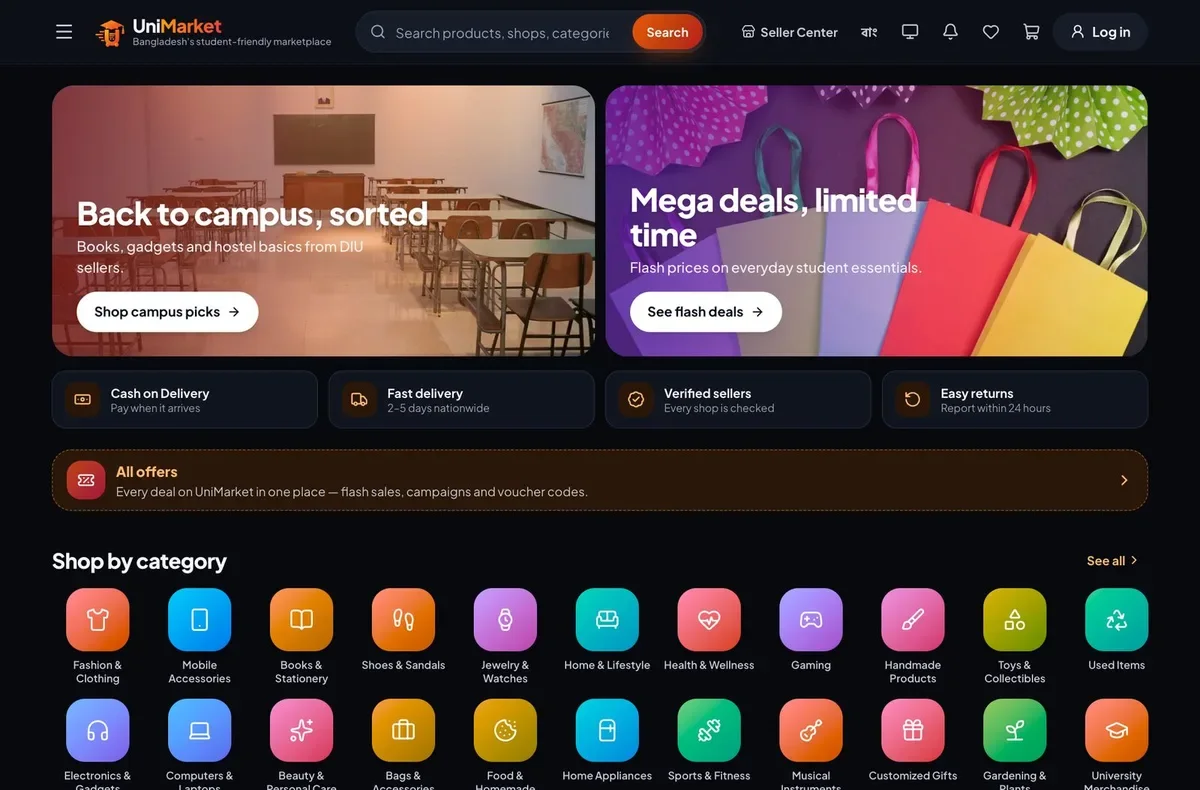
Use the search box at the top, which understands both Bangla and English, or open Categories. There are 34 categories, from fashion and mobile accessories to books, food, handmade products and digital downloads.
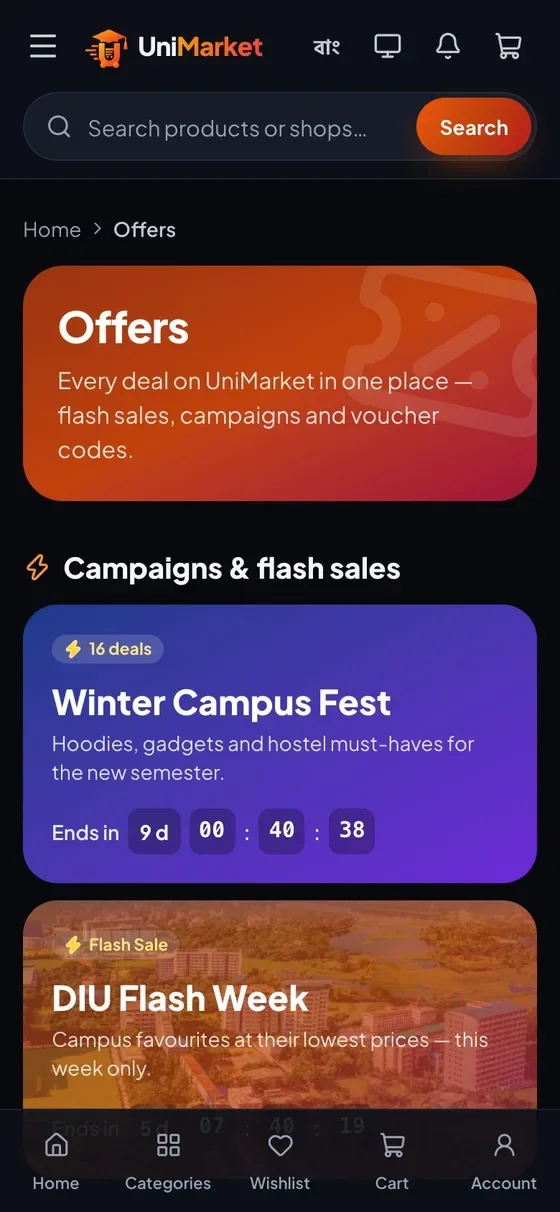
The Offers page collects everything discounted in one place: flash sales with a countdown, campaigns and voucher codes you can copy. On a phone the same pages sit behind a bottom tab bar: Home, Categories, Wishlist, Cart and Account.
Look at the shop before you buy
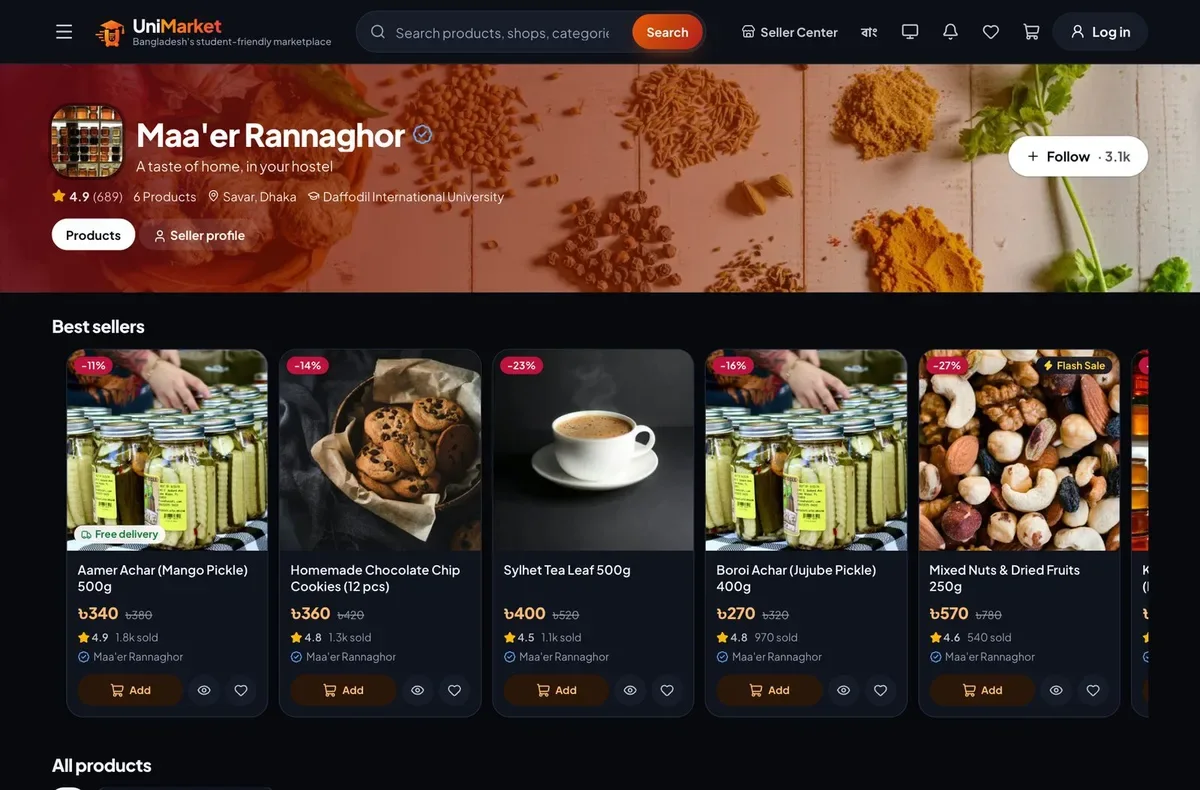
Every product shows the shop that sells it. Open the shop page to see its rating, where it is based, its products and, if the seller added them, a profile and policies. You can follow a shop to find it again, and save products with the heart icon to a wishlist.
Add to cart and check out
- Add products to your cart. Items from different shops can sit in the same cart.
- Open the cart and choose Checkout. You can sign in or continue as a guest with your email.
- Enter your delivery address: district and area, a name and a phone number. Signed-in shoppers can save addresses.
- Apply a voucher code if you have one. Vouchers can be a percentage off, a fixed amount or free delivery.
- Check the total. The delivery charge is worked out per shop from where you live and the weight of the parcel, and shown before you confirm.
- Place the order. UniMarket emails you the order number and a summary.
If you sign in, you do not need a password: UniMarket sends a six-digit code by email or phone, and you can also sign in with Google or Apple.
Track your order
Your order is split into one shipment per shop, and each shipment moves through the same steps.
| Status | What it means |
|---|---|
| Placed | The shop has your order and has not looked at it yet. |
| Confirmed | The shop accepted the order and will prepare it. |
| Packed | The items are packed and waiting for the courier. |
| Shipped | The parcel is with the courier. The shop adds the courier and a tracking number. |
| Delivered | The parcel reached you and you paid the courier. |
You get an email whenever a shipment changes status. To look it up yourself, open the Track page and enter the order number and the last four digits of the phone number on the order. You do not need to be signed in, so you can also check an order a friend placed for you.
Cancel an order
You can cancel a shipment while it is placed, confirmed or packed. Once it is shipped it can no longer be cancelled. When you cancel, the stock goes back to the shop. The shop can also cancel with a reason if it cannot fulfil your order, and you are emailed.
Install it like an app
UniMarket works in the browser and can also be installed on your home screen from the browser menu. The installed version opens like an app and keeps working on a slow connection. If you allow notifications after an order, it can push order updates to your phone.
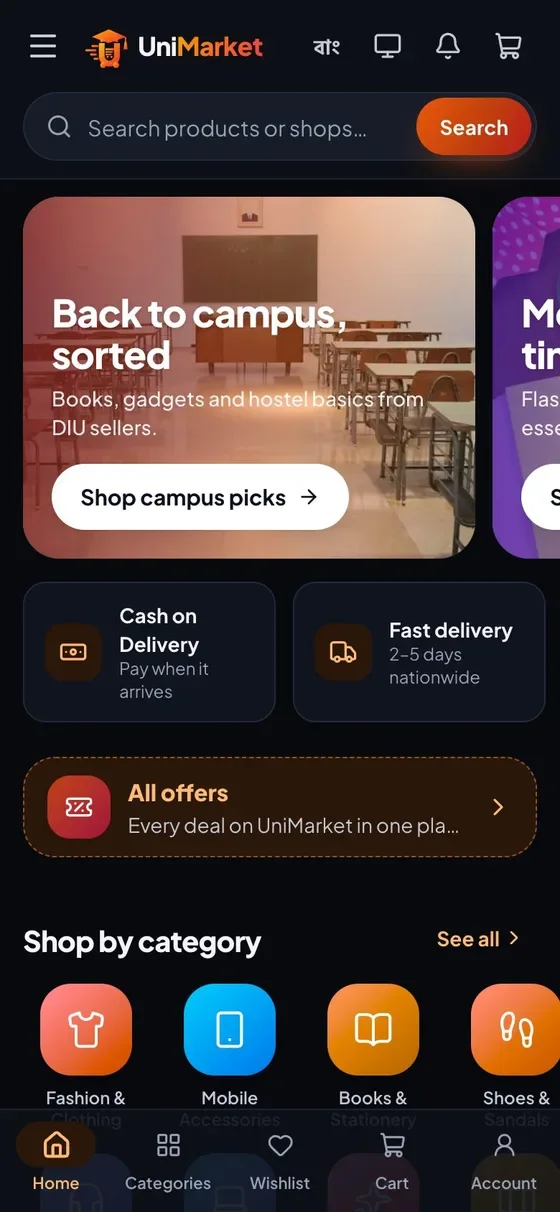
UniMarket is in early access and its catalogue is demo data. Treat the shops, prices, ratings and sold counts you see today as a preview of the marketplace, not as real listings.
Facts checked by the 22Softwares team against the live UniMarket app and its Seller Center guide.