
Open Play, Play bots. Every bot has a name, a face and a rating from beginner up to 2600+ (engine level 1 to 10).
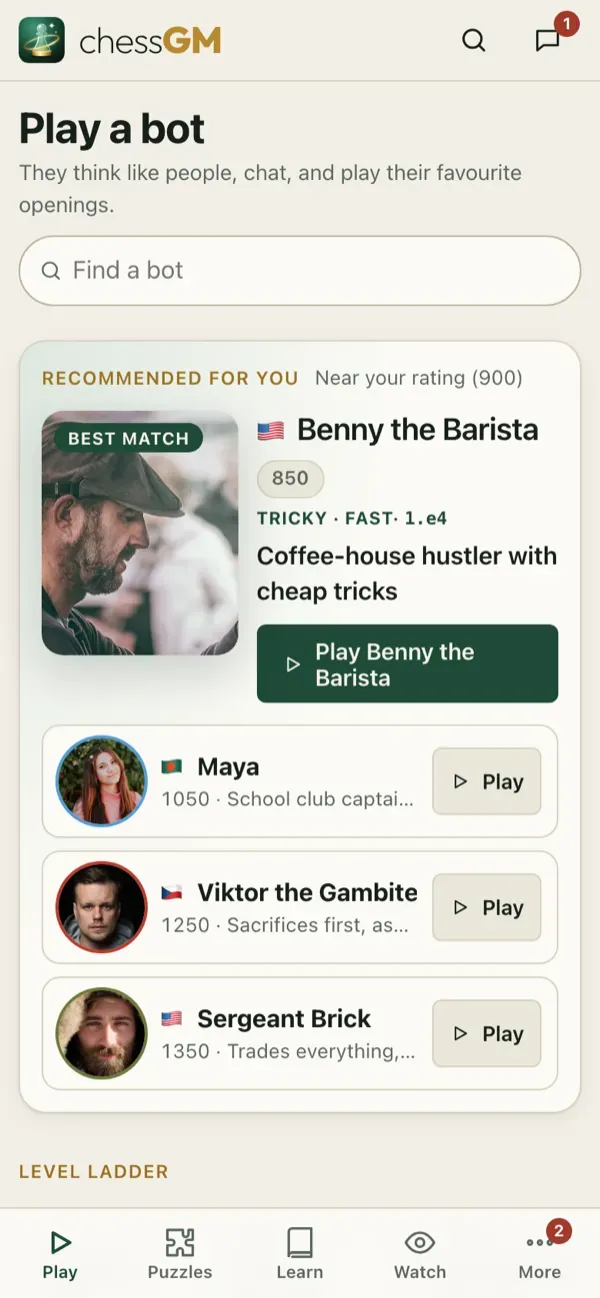
Choose a bot
- Use the level filter: Beginner, Casual, Intermediate, Advanced, Master.
- The Recommended row picks bots a little above your rating: that is where you learn the most.
- Characters play with a style (attacking, solid, trading, tricky). Famous players use their real ratings and openings.
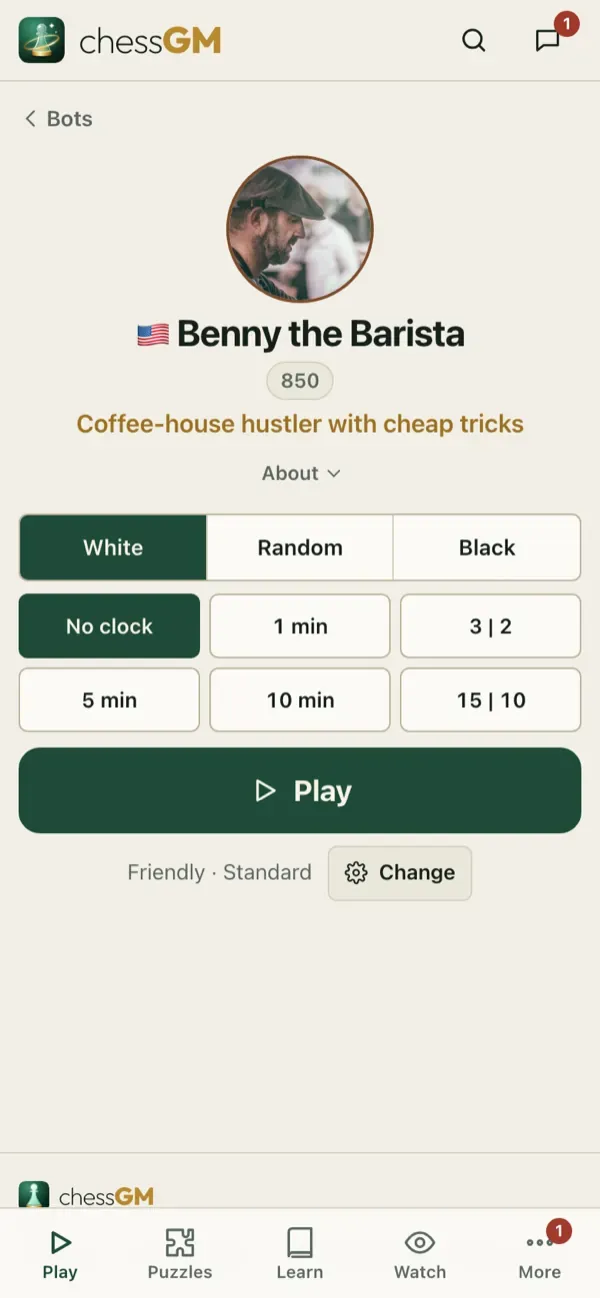
- Open a bot’s profile to read how it plays, its favourite openings and its record against you.
During a game
- Bots reply at a human pace: they think longer in hard positions.
- A bot may resign or accept a draw when it makes sense.
- Pick a help mode before your first move: Assisted (hints, evaluation bar, threat arrows, move ratings and unlimited takebacks), Friendly (no bar or arrows, takebacks allowed, the bot goes a little easy) or Challenge (a real game: a clock, no help, no takebacks, the bot at full strength).
- Games against bots count in your bot record and your review library, and can be reviewed like any other game.
- Bots have practice partner versions for each chess.com bot (ladder).
Good habits
- When you win three in a row, move up one bot.
- When you lose three in a row, review, then go down one bot.
- Try the same bot again after you learn something. Beating the same opponent is a clean test.
Tip: bot games work offline, so they are perfect for a train or a flight.
Credits for bot photos and characters: About chessGM and Credits.
Open in the app: https://chessgm.net/bots
اسے chessGM میں کھولیں (نئے ٹیب میں کھلتا ہے)
chessGM کا Chess.com، Lichess یا Stockfish سے کوئی تعلق نہیں؛ ان کے نام صرف یہ بتانے کے لیے ہیں کہ ایپ کیا پڑھ سکتی ہے یا کس سے موازنہ کر سکتی ہے۔