
Play a friend
On the Play card choose Play a friend. chessGM makes a link. Send it by any chat app. When your friend opens it, the game starts. Choose the time and colour first.
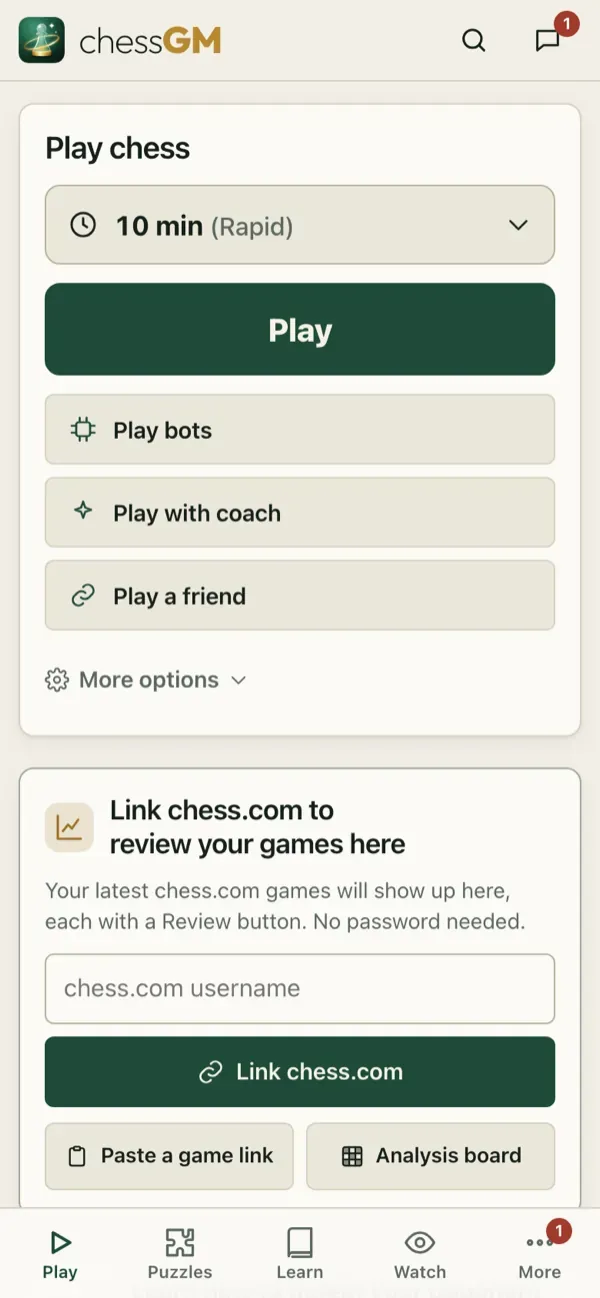
If you are sitting together, choose 2 players, one device (a local game): two players, one screen.
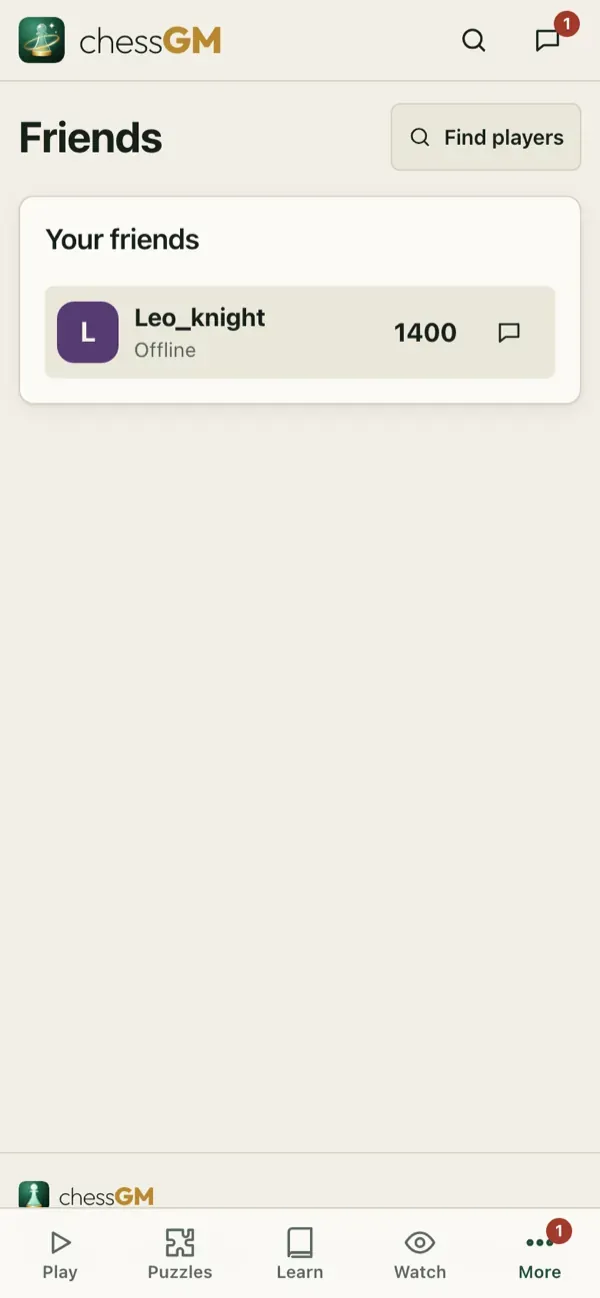
Friends and messages
Members can send friend requests from a profile, accept requests and send messages. Open More, Friends and More, Inbox. Friends are listed with their status so you can challenge them in one tap.
Privacy
You can block a player and choose who can message you in the settings. A blocked player cannot challenge or message you.
Tip: a friendly game is a great way to try something new: a gambit, a new opening, a speed you do not usually play.
Related: Voice chat and calls.
Open in the app: https://chessgm.net/?friend=1
اسے chessGM میں کھولیں (نئے ٹیب میں کھلتا ہے)
chessGM کا Chess.com، Lichess یا Stockfish سے کوئی تعلق نہیں؛ ان کے نام صرف یہ بتانے کے لیے ہیں کہ ایپ کیا پڑھ سکتی ہے یا کس سے موازنہ کر سکتی ہے۔