
Play a friend
On the Play card choose Play a friend. chessGM makes a link. Send it by any chat app. When your friend opens it, the game starts. Choose the time and colour first.
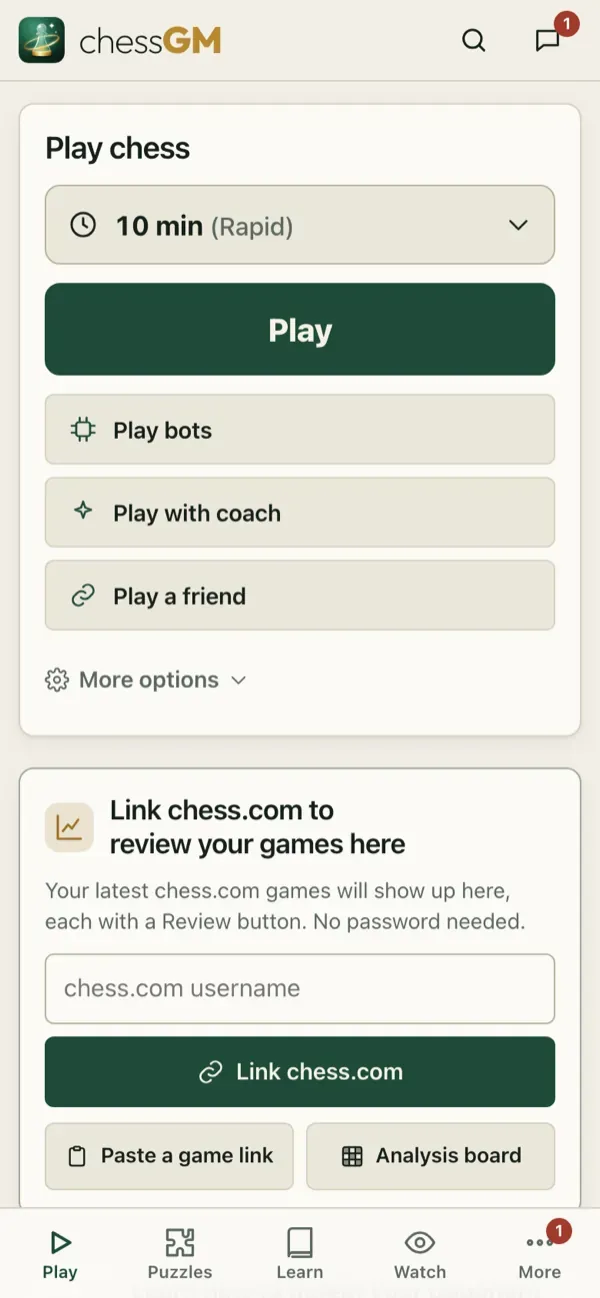
If you are sitting together, choose 2 players, one device (a local game): two players, one screen.
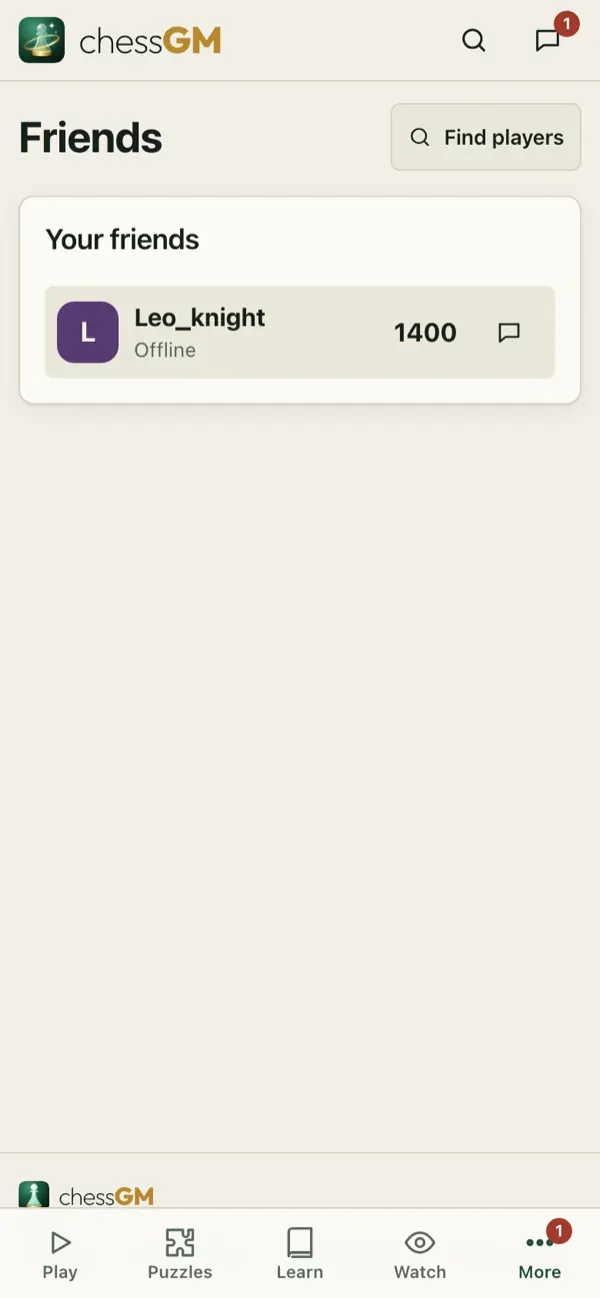
Friends and messages
Members can send friend requests from a profile, accept requests and send messages. Open More, Friends and More, Inbox. Friends are listed with their status so you can challenge them in one tap.
Privacy
You can block a player and choose who can message you in the settings. A blocked player cannot challenge or message you.
Tip: a friendly game is a great way to try something new: a gambit, a new opening, a speed you do not usually play.
Related: Voice chat and calls.
Open in the app: https://chessgm.net/?friend=1
Open this in chessGM (opens in a new tab)
chessGM is not affiliated with Chess.com, Lichess or Stockfish; they are named only to say what the app can read or compare with.