
The fastest way in:
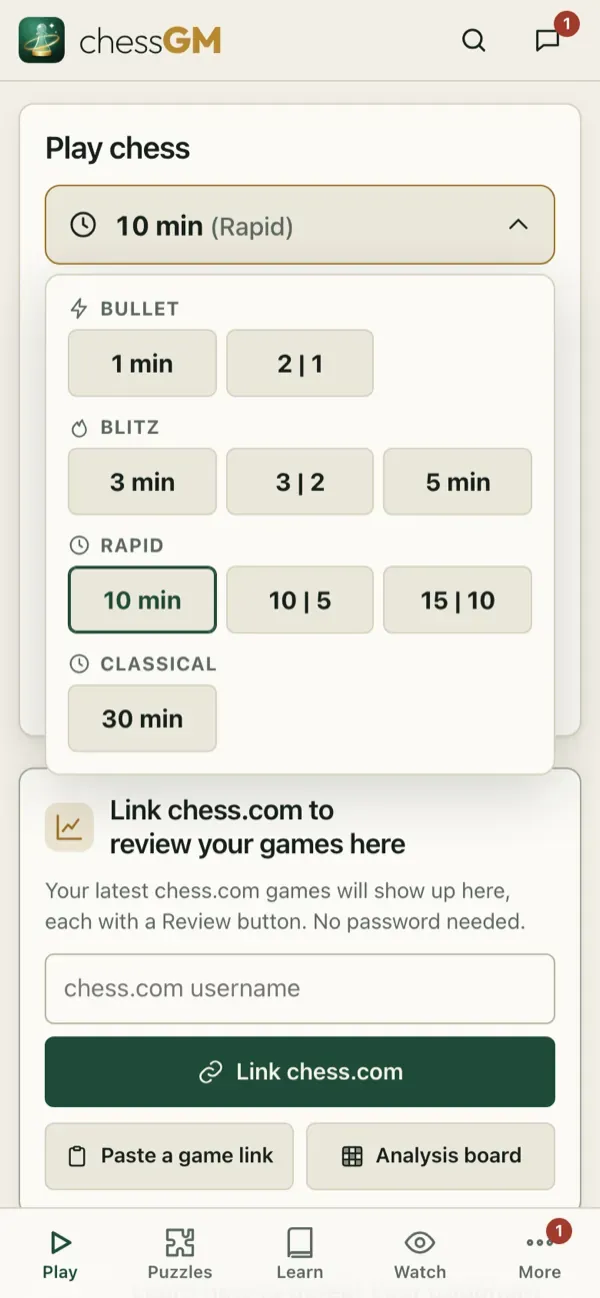
- Open the Home tab and look at the Play card.
- Pick a time control. 10 min is the default and a good start. Short games (1 to 3 minutes) are fast and hard on a beginner.
- Press Play. chessGM finds a human of about your level. Prefer a computer? Open Bots and pick one, or use Play with coach for spoken advice (see Coach mode).
- Tap a piece, then tap the square to move to. Or drag it. Little dots show where the piece can go.
During the game
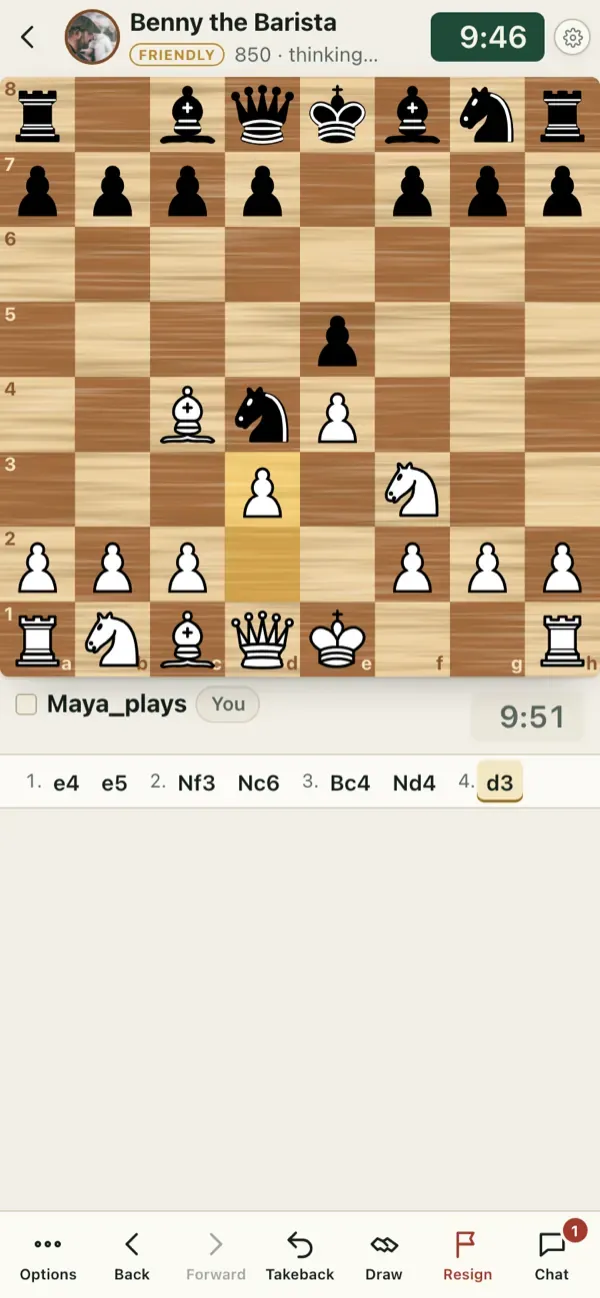
- The clocks run at the top and bottom. The move list shows what has been played.
- Open the game menu to offer a draw or resign. Moves are final, so check twice before you tap.
- Wrong time zone, a call or a notification? If you leave a game it keeps going: come back from the Home tab.
After the game
Press Game Review. The computer walks you through every move, shows the key moments and gives you an accuracy score. This is the single best habit in the whole guide: see Game Review.
Tip: your first rated games are provisional. Your rating shows a question mark (for example 800?) and moves faster until it settles. Do not worry about the number yet.
Open in the app: https://chessgm.net/
Open this in chessGM (opens in a new tab)
chessGM is not affiliated with Chess.com, Lichess or Stockfish; they are named only to say what the app can read or compare with.