
Guest or member
A guest can play bots, puzzles, courses and games straight away. A member adds: progress on every device, friends and messages, voice chat, comments on reviews, leaderboards and your public profile.
Signing in
Sign in with Apple, Google or a username and password. You can link more than one. The username can be changed (not too often).
Your data
Your games, ratings, puzzle and training progress, friends and messages are kept on the chessGM server. Read the Privacy policy and the Terms. The contact address is on the About page.
Delete your account
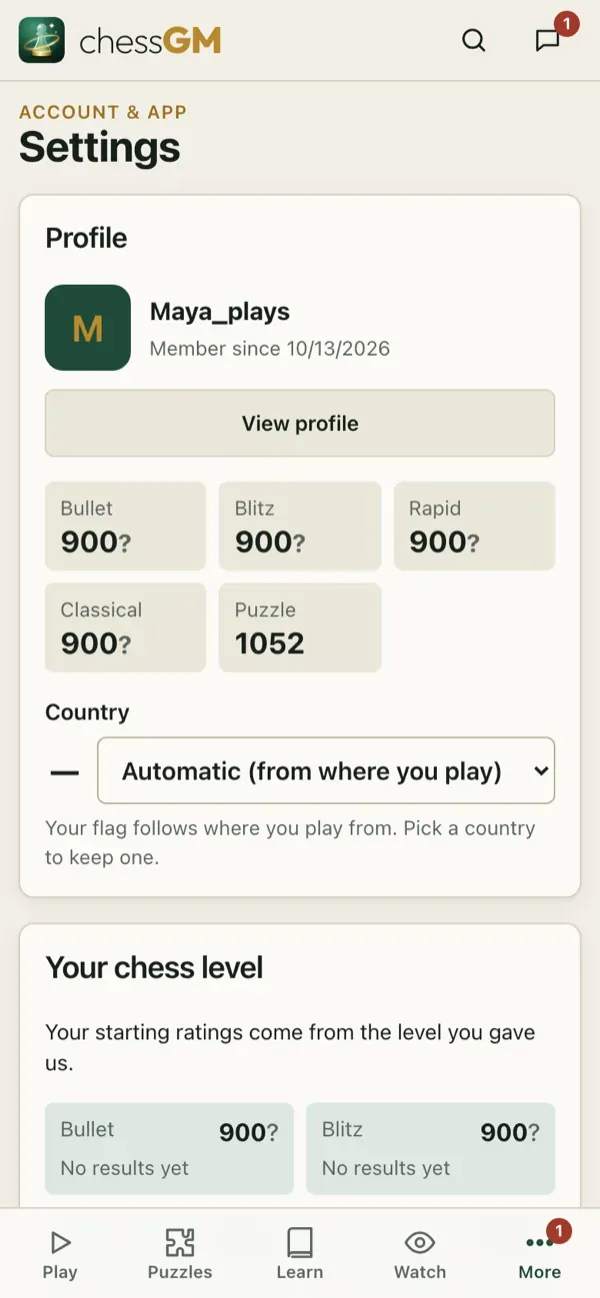
Open Settings, Account, Delete account. You confirm with your password, or by typing your username if you signed in with Apple or Google. Deleting is permanent and removes your profile, games and progress.
Tip: guests can be deleted too. If you only played as a guest, clearing the site data of the browser also removes everything on this device.
Open in the app: https://chessgm.net/settings
Open this in chessGM (opens in a new tab)
chessGM is not affiliated with Chess.com, Lichess or Stockfish; they are named only to say what the app can read or compare with.