
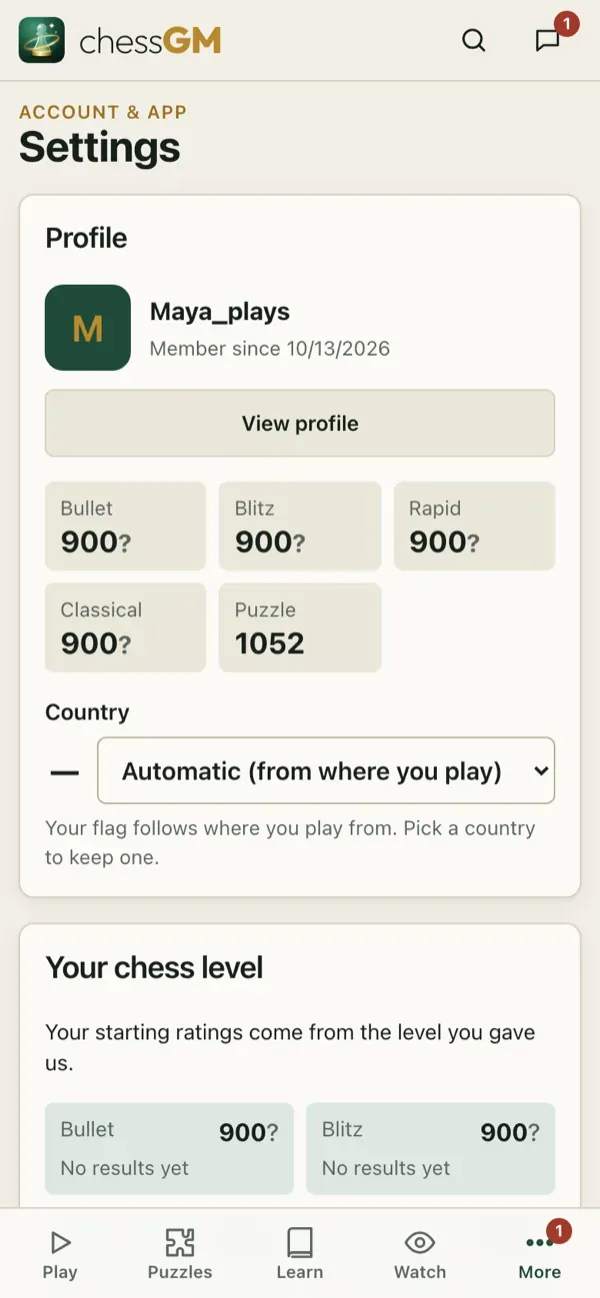
Open More, Settings. You can also change board settings with the small gear at the corner of every board.
Two different languages
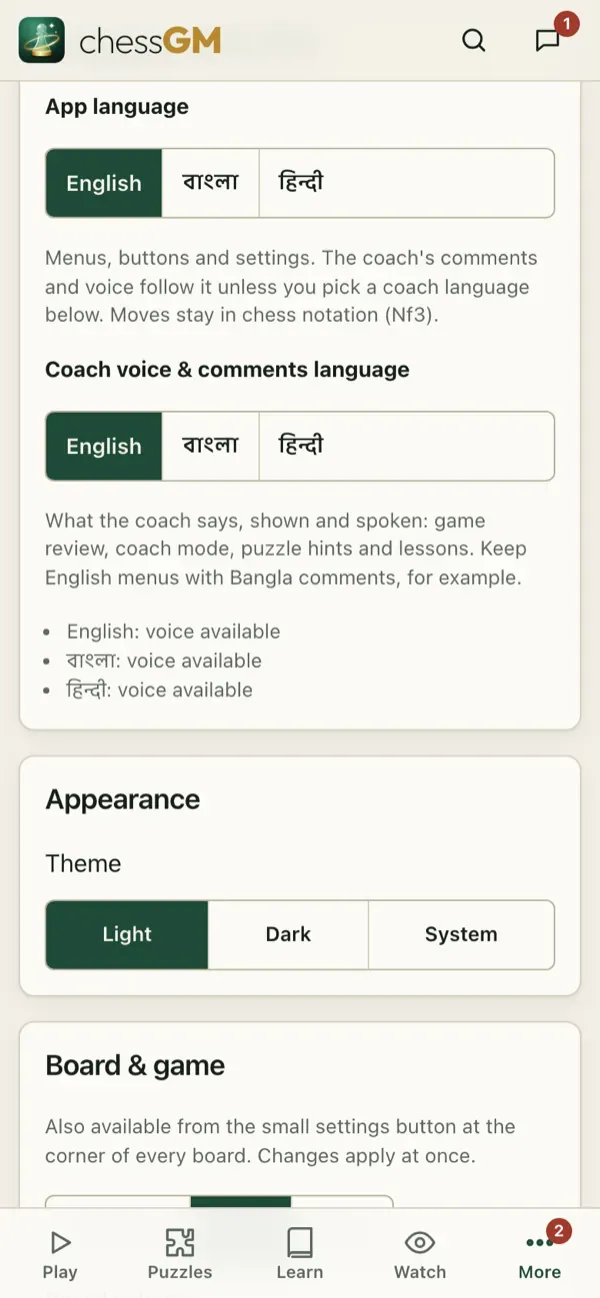
- App language changes menus, buttons and settings: English, Bangla or Hindi.
- Coach voice and comments language changes what the coach says and writes: game review comments, coach mode, puzzle hints and lessons. By default it follows the app language. You can keep English menus and still hear the coach in Bangla or Hindi.
Board and pieces
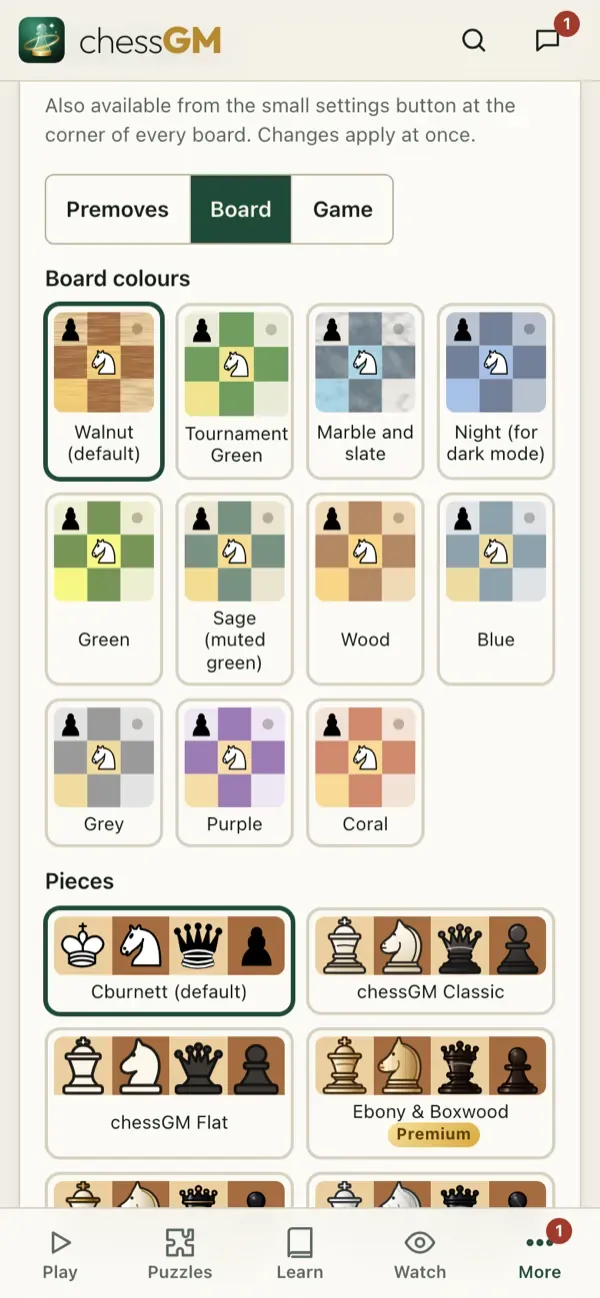
Pieces and board colours (several free sets, plus premium ones such as Ebony and Boxwood, Royal Gold, Marble and Crystal), coordinates inside or outside the board, animation speed, highlight of the last move, legal move dots, click or drag to move, auto-queen, and move labels (the Best, Mistake and Blunder icons). Everything changes at once.
Sound and haptics
Move sounds, volume, a low-time warning sound and, on phones, a short vibration on every move.
Notifications
Choose what may notify you: your move in long games, challenges, messages, friend requests, review reminders and learning tips. See Notifications.
Language picker
Tip: if you learn better in your own language, set the coach voice to it. The chess terms are explained in simple words.
Open in the app: https://chessgm.net/settings
Open this in chessGM (opens in a new tab)
chessGM is not affiliated with Chess.com, Lichess or Stockfish; they are named only to say what the app can read or compare with.