
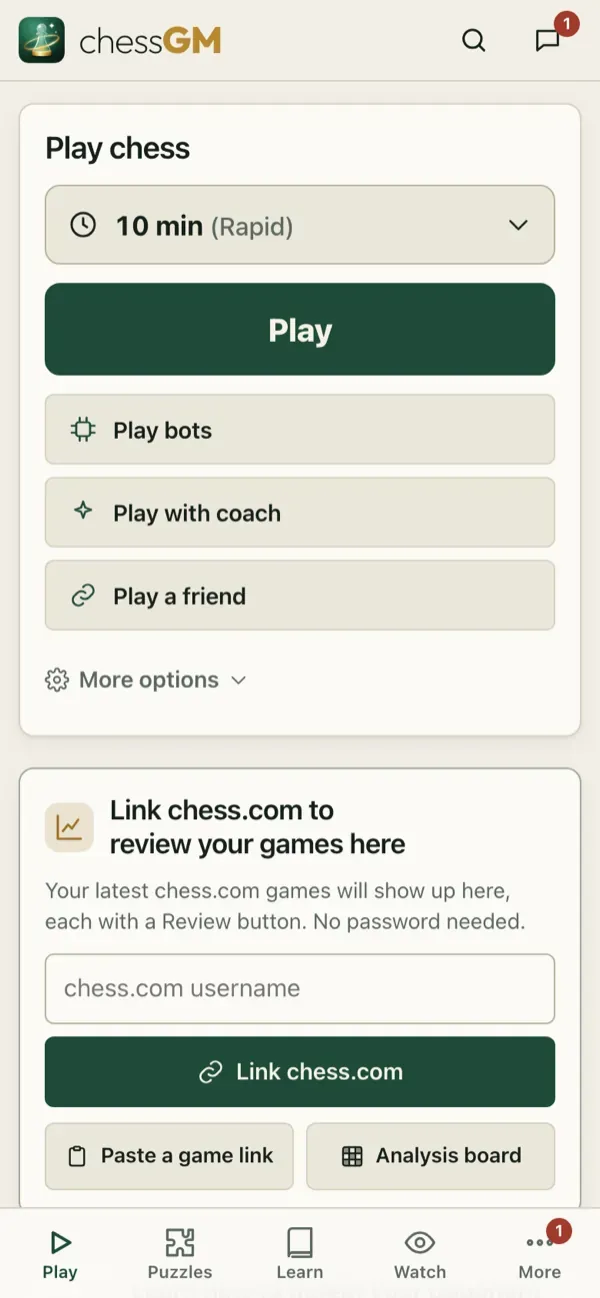
The Play card on the home screen is the fastest way to a game.
Time controls
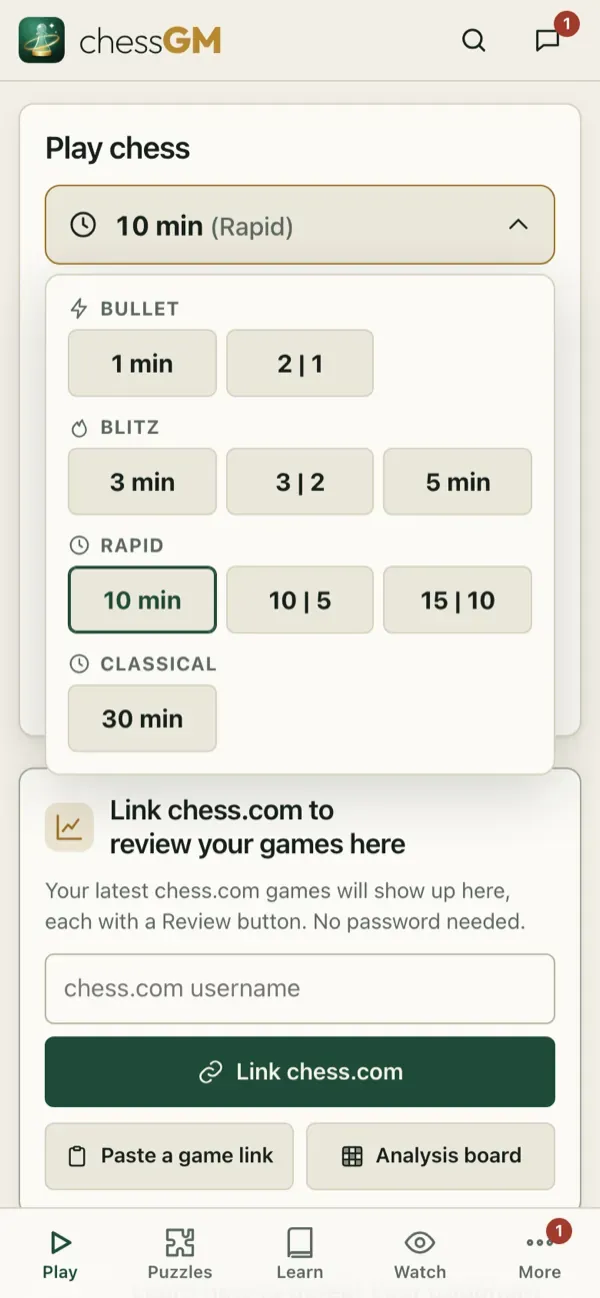
Nine quick choices, grouped by speed and written the chess.com way:
- Bullet: 1 min, 2 | 1.
- Blitz: 3 min, 3 | 2, 5 min.
- Rapid: 10 min, 10 | 5, 15 | 10.
- Classical: 30 min.
“3 | 2” means 3 minutes plus 2 seconds added after each move. Ratings are kept per category (bullet, blitz, rapid, classical).
Rated or casual, and game modes
- Rated games change your rating. Casual games do not.
- Standard starts from the normal position. Middlegame and Endgame modes start from a balanced position picked for your rating, so you practise exactly those phases (casual games).
- In a friend challenge you can also start from a custom position, for practice.
In the game
- Clocks at both ends. Tenths of a second show when time is low (optional).
- Premoves: make your move before your opponent’s reply is shown. You can queue several and cancel with a click (see Settings).
- Draw offers: offer a draw from the menu. Your opponent can accept or decline. Draws are also automatic by repetition, the fifty-move rule and insufficient material.
- Resign asks for a confirmation (you can turn the confirmation off).
- Takeback: in games against a bot you can take moves back in Assisted and Friendly modes (see Bots). Games against people have no takebacks.
- Abandoned games: a game keeps its clock if you leave. Come back from the Home tab.
After the game
Rematch, review or return to the lobby. Review is the best next step.
Tip: choose the time that lets you think. At 800 to 1600 a 10 | 5 or 15 | 10 game is the best classroom.
Open in the app: https://chessgm.net/
Άνοιγμα στο chessGM (ανοίγει σε νέα καρτέλα)
Το chessGM δεν σχετίζεται με το Chess.com, το Lichess ή το Stockfish· αναφέρονται μόνο για να πούμε τι μπορεί να διαβάσει ή με τι συγκρίνεται η εφαρμογή.