
chessGM is a free chess app: play people and bots, solve puzzles, take courses, learn openings, get a spoken coach (our chess engine plus explanation rules, not a chatbot) and review every game. Everything you need to go from your first move to master level is in this one app.
Open it
- In a browser: go to https://chessgm.net on a phone, tablet or computer. Nothing to download.
- Install it like an app: in Chrome or Edge open Settings and tap Install in the App section. On iPhone use Safari, tap Share, then Add to Home Screen. An installed chessGM opens full screen and works offline for many things (see Offline use).
- Store apps: the About page shows the App Store and Google Play buttons as soon as the apps are live in your country.
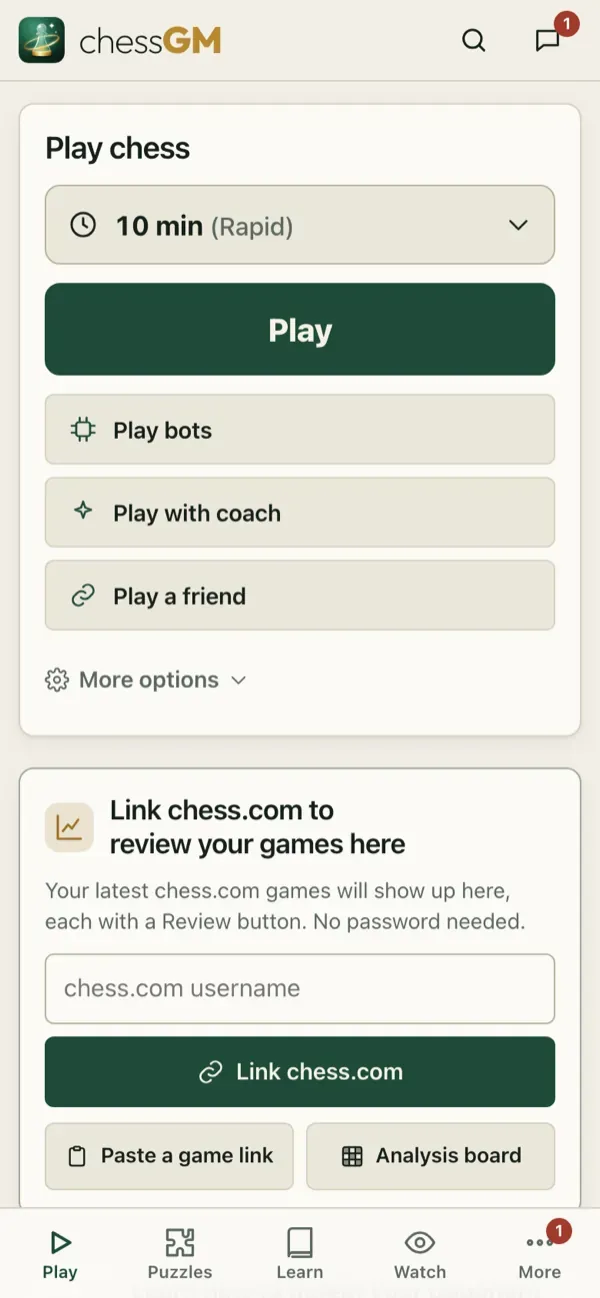
Guest or account
- Guest: tap Play and you are in. No sign-up. Your games, puzzles and ratings are kept on this device. Guests are not on the leaderboards and cannot use voice chat or comments.
- Account: sign in with Apple, Google, or a username and password to keep your progress on every device. Pick a username (3 to 20 letters, digits, _ or -). You can turn a guest into an account at any time and keep your history.
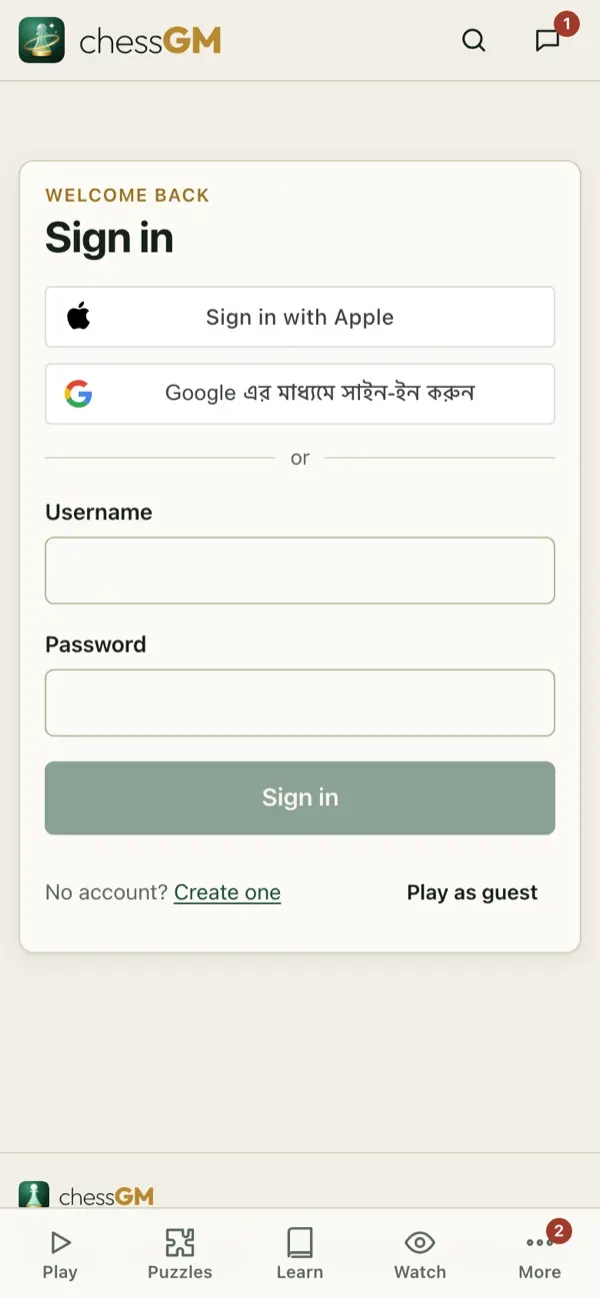
Tip: if you plan to take chessGM seriously, make an account on day one. Your puzzle rating, course progress and opening lines then follow you from phone to laptop.
More about accounts, passwords and deleting your data: Account.
Open in the app: https://chessgm.net/register
Άνοιγμα στο chessGM (ανοίγει σε νέα καρτέλα)
Το chessGM δεν σχετίζεται με το Chess.com, το Lichess ή το Stockfish· αναφέρονται μόνο για να πούμε τι μπορεί να διαβάσει ή με τι συγκρίνεται η εφαρμογή.