
Open More, Settings.
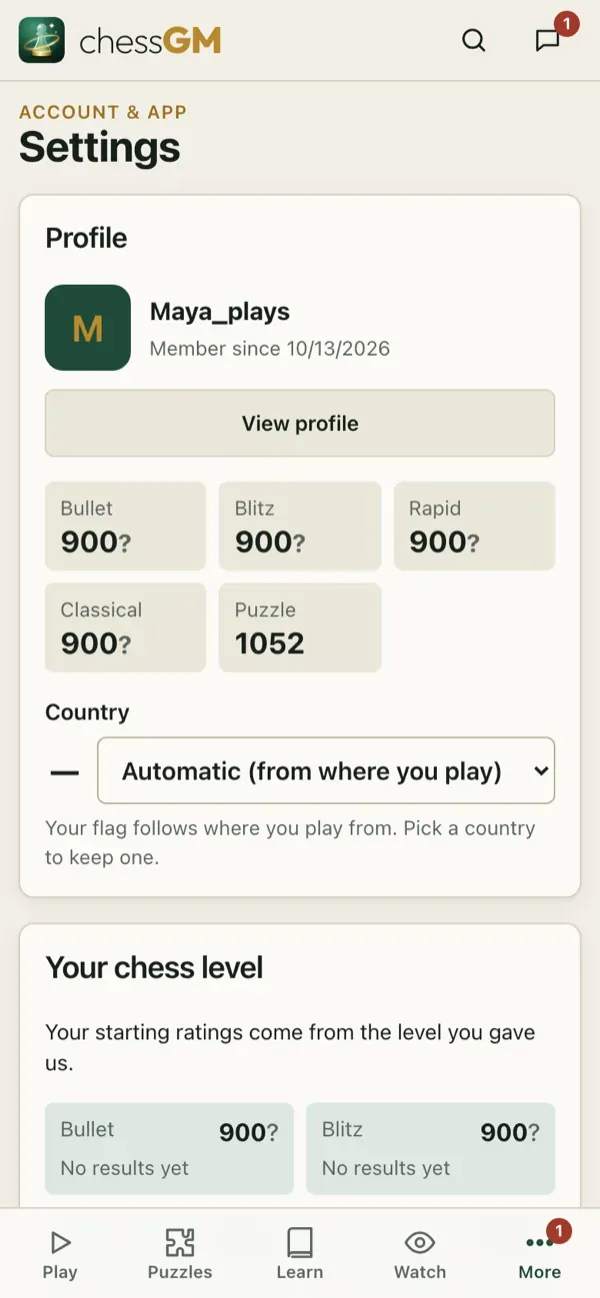
Sections
- Language: app language and coach voice language (Start here).
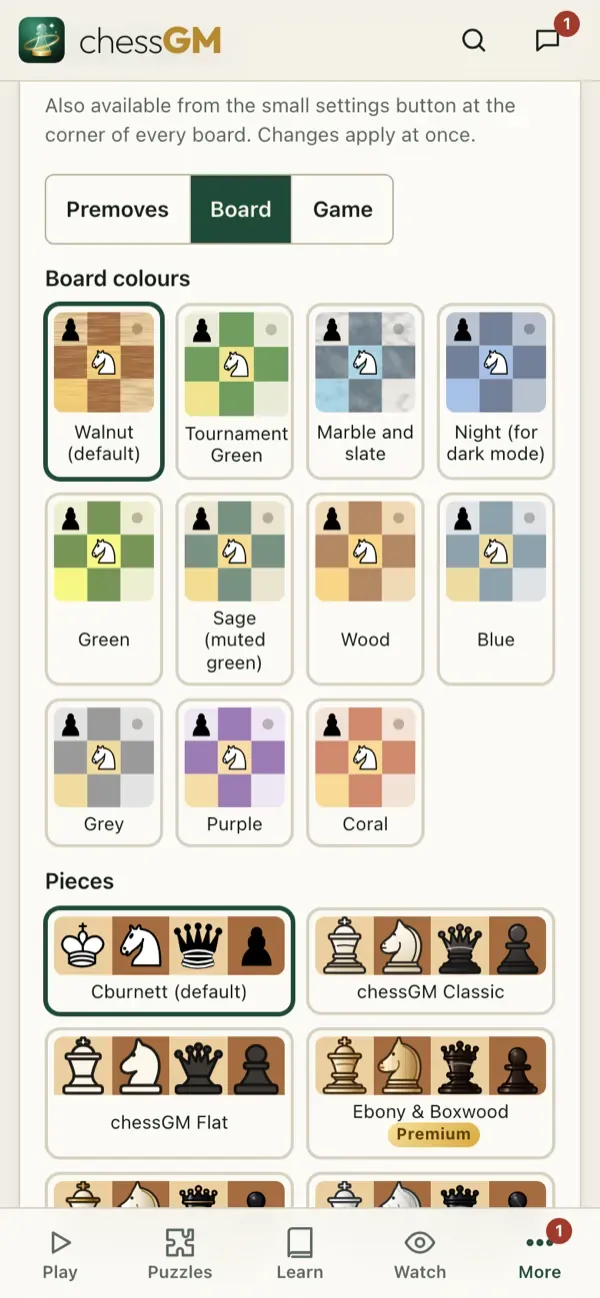
- Board and game: pieces and colours, coordinates, animation speed, last-move highlight, legal-move dots, click or drag, auto-queen, confirm resign, premove options, clock tenths, move labels, and drawing arrows.
- Assist: optional help on the board in some modes: suggestions, threats and the evaluation. You choose when it shows.
- Sound, haptics and voice: move sounds, volume, coach voice (male, female, speed, test), voice moves.
- Your chess level: change your starting level.
- Notifications, Offline, chess.com, Account.
- App: install, connection check and credits.
Move labels
With Move labels on, every move in games and analysis shows its quality icon (Brilliant, Great, Best, Excellent, Good, Book, Inaccuracy, Mistake, Miss, Blunder).
Tip: if the board feels slow, set the animation to fast and turn off effects. If you mis-click, turn on confirm resign and use drag only.
Open in the app: https://chessgm.net/settings
Άνοιγμα στο chessGM (ανοίγει σε νέα καρτέλα)
Το chessGM δεν σχετίζεται με το Chess.com, το Lichess ή το Stockfish· αναφέρονται μόνο για να πούμε τι μπορεί να διαβάσει ή με τι συγκρίνεται η εφαρμογή.