
Open Learn, Opening explorer. Play moves on the board and see the statistics for each position: how often each move is played and how it scores.
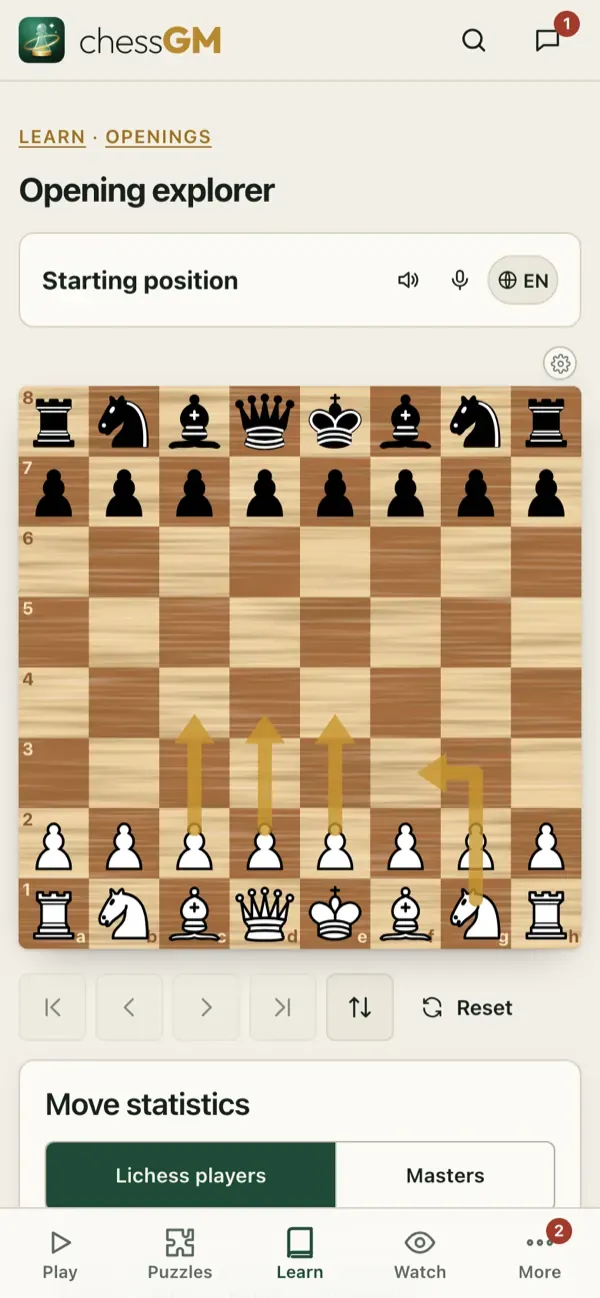
How to use it
- Find out what to expect against a move you do not know.
- Choose the moves that score well for your side and that you understand.
- See the opening name and families as you go.
- Spot a good line for your repertoire and add it to the lines trainer.
Tips
- Look at games of players around your own rating for practical lines, and at stronger players for ideas.
- A line that wins often at 1000 can fail at 2000. Rely on understanding, not only on percentages.
Tip: use the explorer after a game: where did you leave the book? What did your opponent play instead?
Open in the app: https://chessgm.net/train/openings/explorer
Open this in chessGM (opens in a new tab)
chessGM is not affiliated with Chess.com, Lichess or Stockfish; they are named only to say what the app can read or compare with.